
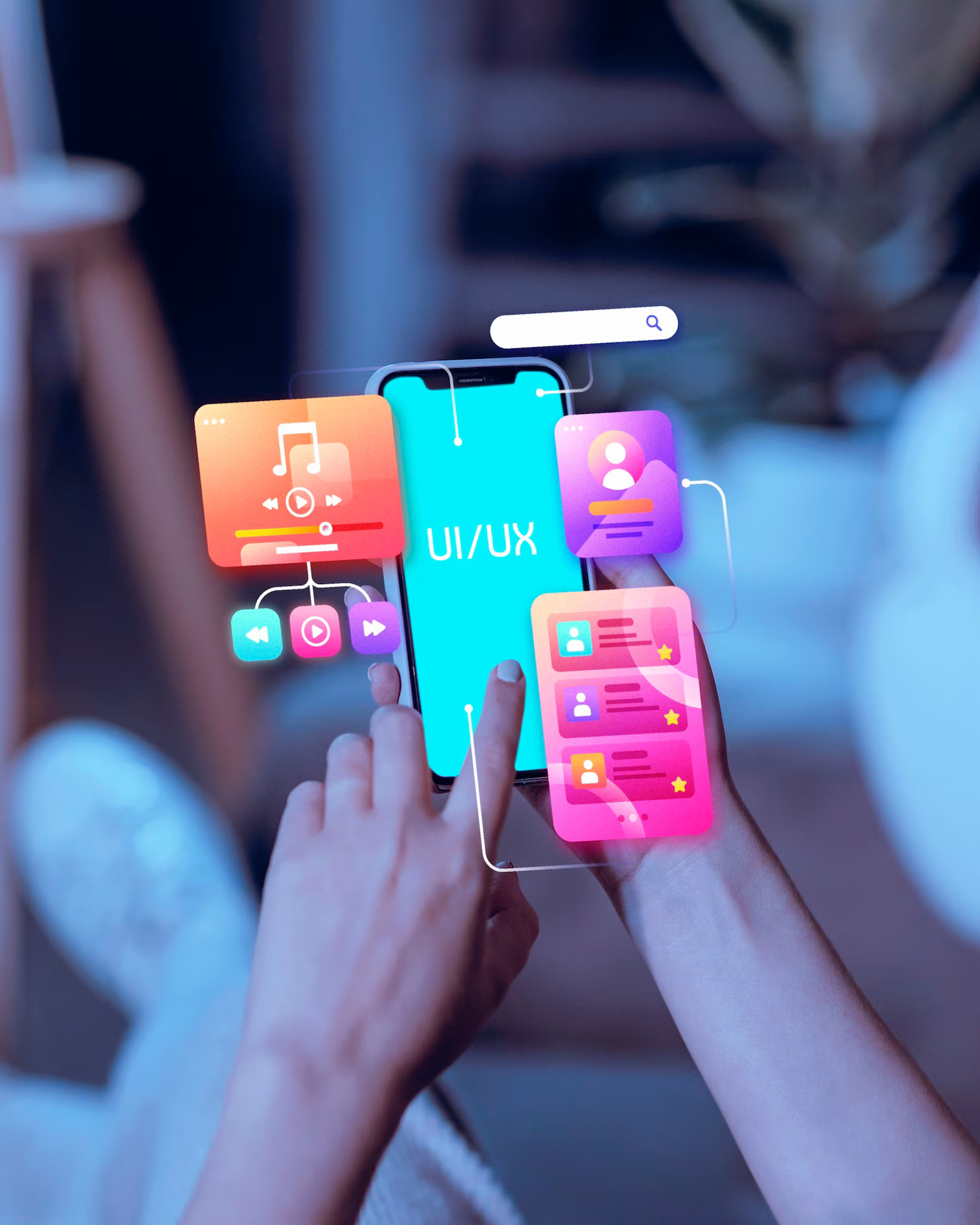
 A good idea or a good look at screens is not enough to make the users love the design a Mobile App. The applications that users retain, are referred by others, and re-visited are designed based on actual user requirements, user-friendly flows, and considerate experience design. With the current level of competition in the field of apps, users can make their judgments in a few seconds as to whether they are going to devote their time to an app. In the event that the experience is confusing, slow, or frustrating, it can be uninstalled with the touch of a button. This is the reason why it is important to study the user behaviour, usability, and design psychology at the very beginning.
This tutorial is a breakdown of how to create a mobile application that users actually like, the key UX rules, practical examples, and the most typical pitfalls that silently lead to the end of interaction.
How Do You Design a Mobile App Users Love?
At its core, great app design is about empathy. You’re not designing for yourself, you’re designing for people who want to complete tasks quickly, comfortably, and confidently. Successful mobile app design starts by identifying what users want to achieve and removing anything that slows them down.
App users usually share three traits:
- They are easy to understand
- They feel intuitive from the first interaction
- They solve a clear problem without friction
This is where mobile app UX design and user experience design play a decisive role.
What is Mobile App UX Design (and Why It Counts)?
Mobile app UX design is concerned with user-interaction with your app, both in onboarding and navigation, as well as performance and feedback. It is not only about visuals but also about the feel of the app.
Good UX design ensures:
- Without instructions, users are aware of what to do.
- Work is done with the least amount of effort.
- Communication is predictive and responsive.
Bad UX, in its turn, results in confusion, frustration, and abandonment, even though the app idea can be good in itself.
Fundamentals Of Mobile App Design You Need To Abide By
These mobile app design principles are the basis of a positive user experience when you design a Mobile App:
- Clarity Over Creativity
Creative designs are useless if users don’t understand them. Clear icons, readable text, and familiar patterns always outperform experimental layouts in terms of app usability.
- Simplicity Wins
Each additional functionality, display, or functionality adds cognitive load. The finest apps perform fewer tasks, but they do them in the best way possible.
- Consistency Builds Trust
The app should behave in a way that all buttons, colours, gestures, and interactions behave similarly. An inconsistent mobile app interface design makes the user learn how to use the app again.
- Feedback Is Essential
Users should be able to know that their action was successful by loading the correct indicators, success, and error messages, which lessen uncertainty and frustration.
User-Centered Design: Designing to the Real Person
The concept of user-centered design implies the participation of users throughout all phases, such as research, prototyping, testing, and iteration. Rather than making assumptions about what users want, you do it early.
User-friendly applications usually:
- Shape flows using actual user feedback.
- Focus on access and inclusivity.
- Adapt to the behaviour of the user as time goes by.
- This is a focus that would make long-term mobile app user experience successful.
Real-Life Case Studies of App Lovers
A review of successful apps assists in explaining what works on the ground.
- Example 1: Navigation Apps
They are fast to open, present the bare minimum information, and are results-oriented. Clutter is non-existent, only intentional UI UX design of mobile apps.
- Example 2: Fitness & Health Apps
They also appear non-invasive, praise achievements, and do not overload the dashboards. The design inspires and does not frighten.
- Example 3: Fintech Apps
These apps help users save confidence as the flows are predictable, the confirmations are obvious, the mistakes are described in simple terms, and everything works perfectly at work When the interface is designed correctly, the mobile app has an excellent user experience.
Why Do Customers Uninstall Apps So Fast?
This is among the frequent questions in the app design, and the answer almost always resolves to UX.
Users are uninstalling apps due to:
- The onboarding process is either too complicated or time-consuming.
- The app feels slow or buggy
- The interface is cluttered
- The worth does not show itself so readily.
Most of these problems are based on ignored UX mistakes in mobile apps, not on technical limitations.
The top 10 UX errors in Mobile apps.
Retention can be significantly enhanced by avoiding such errors.
- Overloaded Screens
Attempting to display all simultaneously burdens the users and lacks intelligibility.
- Poor Onboarding
In case the users do not get the app in the first minute, they will not hang around.
- Ignoring Thumb Reach
Hands cannot move naturally since they are not designed in a manner that allows them to interact with other objects and people.
- Unstable Patterns of Design.
- The change of layouts, gestures or button styles interrupted flow and trust.
- These UX mistakes in mobile apps are among the top reasons otherwise good apps fail.
Practical Tips to Improve App Usability
Improving (app usability) doesn’t require redesigning everything. Small changes often make the biggest difference.
Key improvements include:
- Larger touch targets for buttons
- Clear hierarchy with visual spacing
- Logical navigation paths
- Readable typography on all screen sizes
Strong usability directly supports better mobile app user experience and higher engagement.
UI vs UX: Why Both Matter in Mobile App Design
While UX focuses on how things work, UI focuses on how things look. Effective UI UX design for mobile apps blends both seamlessly.
- A visually beautiful app with poor UX will fail.
- A usable app with poor UI will struggle to retain users.
- Balance is key; users expect functionality and aesthetic appeal.
Design a Mobile App with Long-Term Engagement in Mind
When you design a Mobile App, think beyond launch. Ask:
- Will this be intuitive after half a year?
- Are there features that can scale without increasing complexity or cost?
- Is it designed to comply with new users’ needs?
Applications designed using long-term thinking are more effective than those based on trends.
Mobile App Design Dos and Don’ts.
Do:
- Test early with real users
- Prioritise core features
- Adhere to the standard UX patterns.
Don’t:
- Be creative in the name of over-designing.
- Ignore accessibility
- Suppose that people will figure it out.
These best practices in app design would be time-saving, cost-saving, and frustration-saving in the future.
Knowledge of When to Outsource DIY Design
Although initial prototypes might not be complex, it may take professional skills to scale an app. At that point, collaborating with a team that can provide the best mobile app design services or a trusted mobile app development company will guarantee that UX decisions are supported by research and experience, particularly when dealing with a complex product or competitive-dense market.
Last reflections: Designing Applications That People Want to Use
You need to be like a user, like a designer, and a business owner at all times to design a Mobile App users really love. The mobile app design does not involve a flashy design, but rather clarity, empathy, and solutions. Considering the best principles of the user experience, preventing typical errors, and investing in user-centered design, you can design applications that users will not only download but also keep.
In a world where we have finite attention resources, our winning apps are those that happen to be effortless for us.